

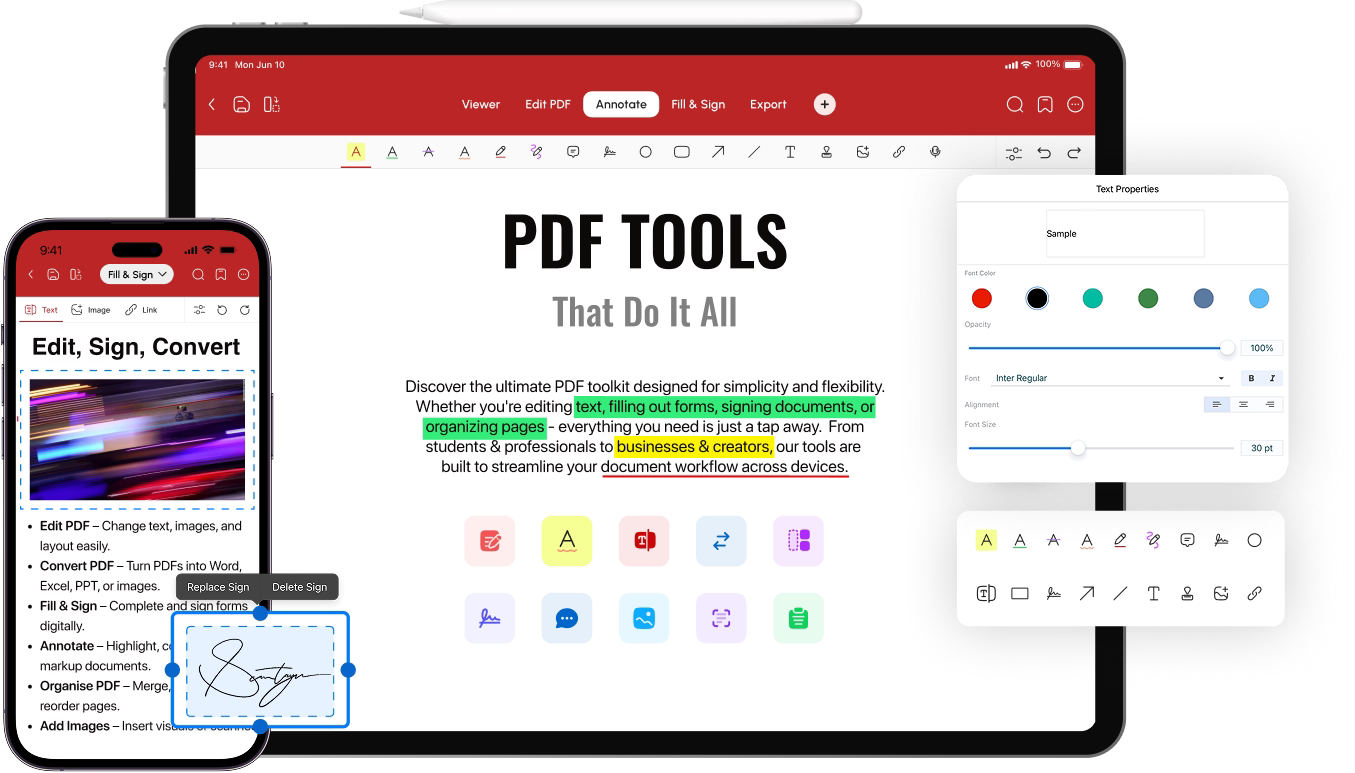
 A1 PDF Editor
Go-To PDF Editor for iPhone, iPad , Mac & Android.
Go-To PDF Editor foriPhone, iPad & Android.
Edit, annotate, convert, and sign PDFs with the most intuitive PDF editor on all your devices.
Modify PDF Text, Images & Links
Take full control of your PDFs with powerful editing tools—perfect for making quick fixes or full updates.


Edit Text Easily
Correct typos, adjust numbers, or rewrite paragraphs in just a few clicks.
Add or Replace Images
Add visuals, refresh graphics, or insert charts where needed.
Insert Clickable Links
Add links to pages, documents, or websites for added context.
Easily AnnotateYour PDFs
Add notes, highlight key points, or give feedback with intuitive annotation tools built to keep things simple and fast.

Highlight Key Info
Quickly draw attention to the most important parts of your document
Leave Comments
Insert notes, write in the margins, pop in text boxes to share your thoughts.
Use Stamps
Stamp files with preset or custom stamps for fast reviews & approvals.
Get started with A1 PDF Editor
Effortless PDF organization
Instantly reorder, delete, rotate, or merge pages of your PDF in just a few taps.

Insert Pages
Add new pages anywhere in your document with ease.
Rotate pages
Instantly rotate pages to the perfect orientation.
Delete Pages
Remove unwanted pages from your PDF in a single tap.
PDF Conversion Made Easy
Easily change any file into a PDF, or turn your PDFs into Word, Excel, images, and more.


Word to PDF
Turn Word files into polished PDFs in seconds.
PDF to Word
Quickly make PDFs editable in Microsoft Word.
Image to PDF
Convert JPG or PNG to a clean, shareable PDF.
PDF to Excel
Turn PDFs into Excel Spreadsheets.
PDF to PPT
Convert PDFs to editable PowerPoint slides.
Excel to PDF
Save Excel sheets as easy-to-read PDFs.
Complete & sign forms effortlessly
Fill and sign documents with ease while keeping your sensitive data protected.
Instant form filling
Just tap and type to fill out any interactive PDF form.
Sign documents
Drop in your signature and Sign documents fast & professionally.
Checkboxes
Use default ones by clicking on the empty field or draw your own.